Finalizer Blog
Finalizer.ai polishes your podcast, audiobook, or social media audio, making it instantly broadcast-ready. Specially tuned for speech and all kinds of spoken material (not music—yet), the platform bridges the gap between professional studio engineering and effortless creator workflows. It accepts both audio and video file uploads, delivering back fully optimized audio or a finalized video file with upgraded sound.
Built on over 25 years of professional audio engineering expertise, Finalizer.ai automates complex vocal processing in one click. The engine performs advanced signal analysis, precision EQ, peak limiting, de-essing, de-rooming, and de-noising to eliminate harshness, room echo, and uneven levels. Crucially, it features a smart Silence Shortener that trims dead air between sentences—either setting a fixed pause length for fast-paced delivery or maintaining proportional, natural speech dynamics.
What truly sets Finalizer.ai apart is its client-side WebAssembly (Wasm) and Web Audio API engine. Unlike traditional tools that require uploading massive media files to remote cloud servers, Finalizer.ai executes 100% of its processing locally on the user's device CPU inside the web browser.
This architecture offers key advantages:
Instant & Frictionless Access: Includes a completely FREE tier with no account registration required—users can drag, drop, and process immediately. Optional paid tiers unlock expanded toolsets.
Absolute Data Privacy: Sensitive interviews, unreleased audiobooks, and raw video takes never leave the user's machine.
Maximum Speed: Local execution bypasses server queues and lengthy upload/download waits entirely.
By eliminating complex DAWs, confusing settings, and mandatory sign-up walls, Finalizer.ai serves as an instant, on-demand audio engineer for every spoken-word content creator.
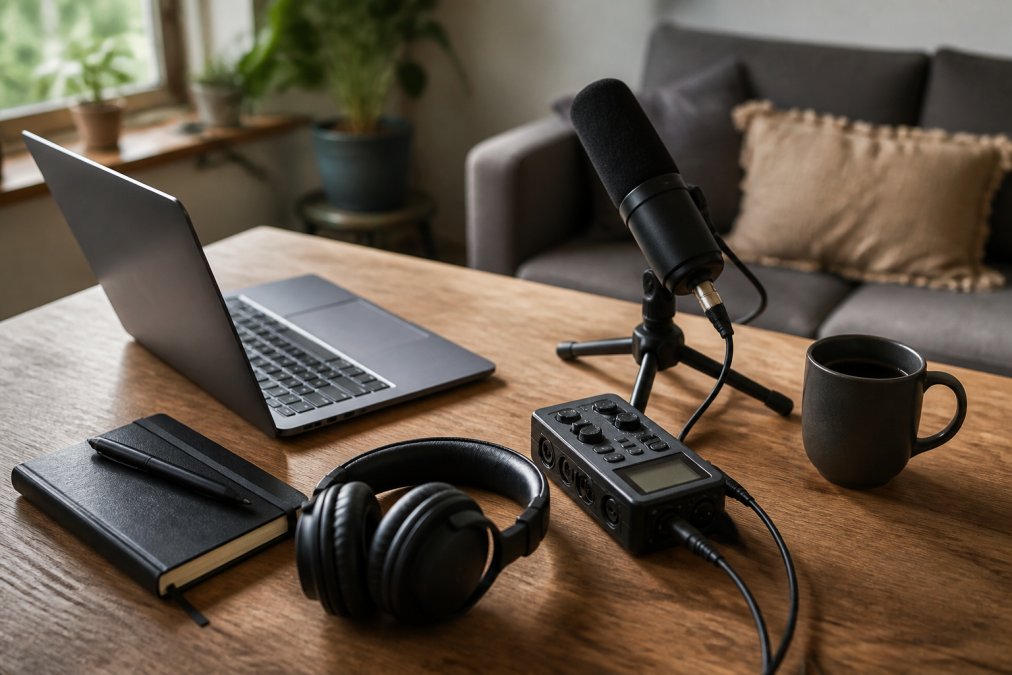
7 Tools to Process Audio Locally in Browser (2026)
Compare 7 tools to process audio locally in browser. Finalizer, Audacity, Veed, and more for private, fast, offline-friendly audio editing. Find your best.
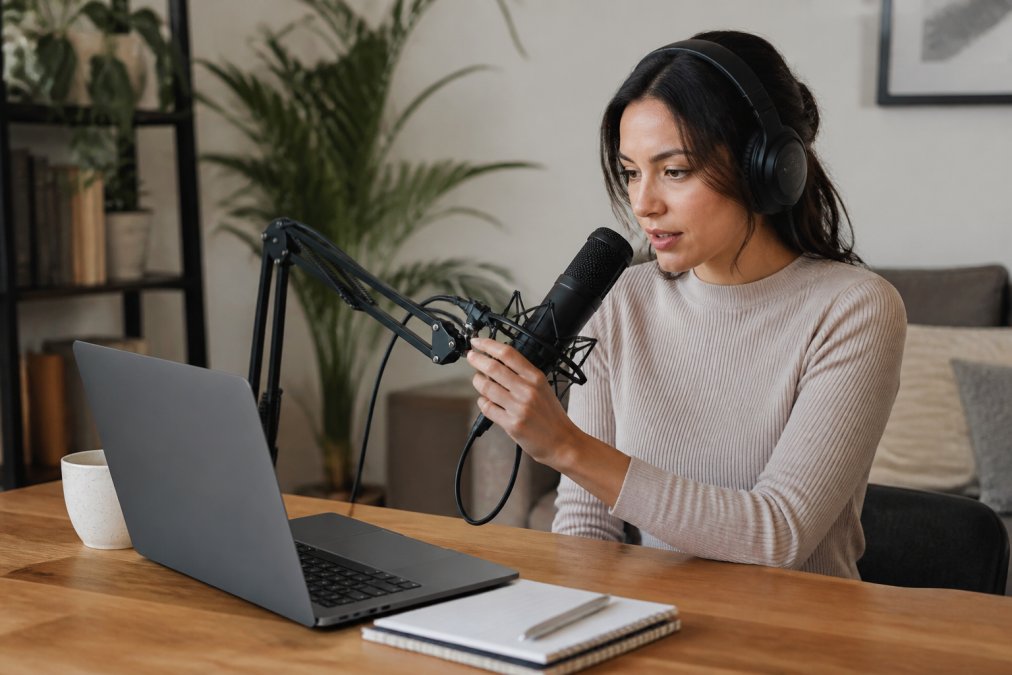
How to Trim Silence Between Speech Automatically
Learn how to trim silence between speech automatically using AI tools. Remove dead air, cut gaps, and polish audio for podcasts and video in minutes. Try.
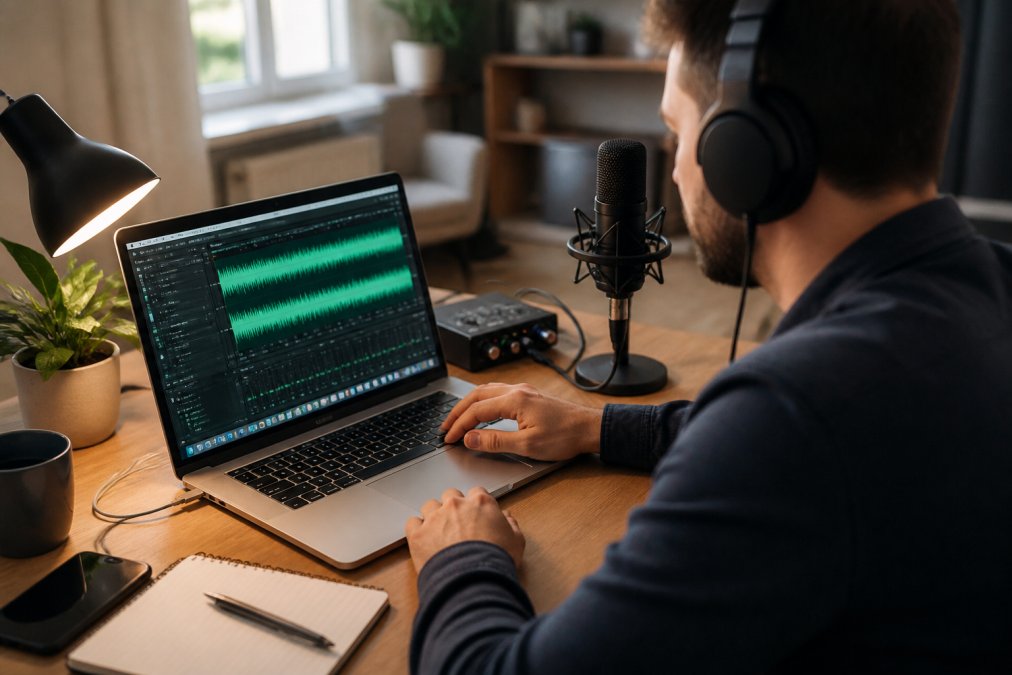
How to Edit a Podcast for Beginners 2026: Step-by-Step
Learn how to edit a podcast for beginners in 2026. Follow a step-by-step workflow, use the right tools, and fix audio fast. Start editing today.
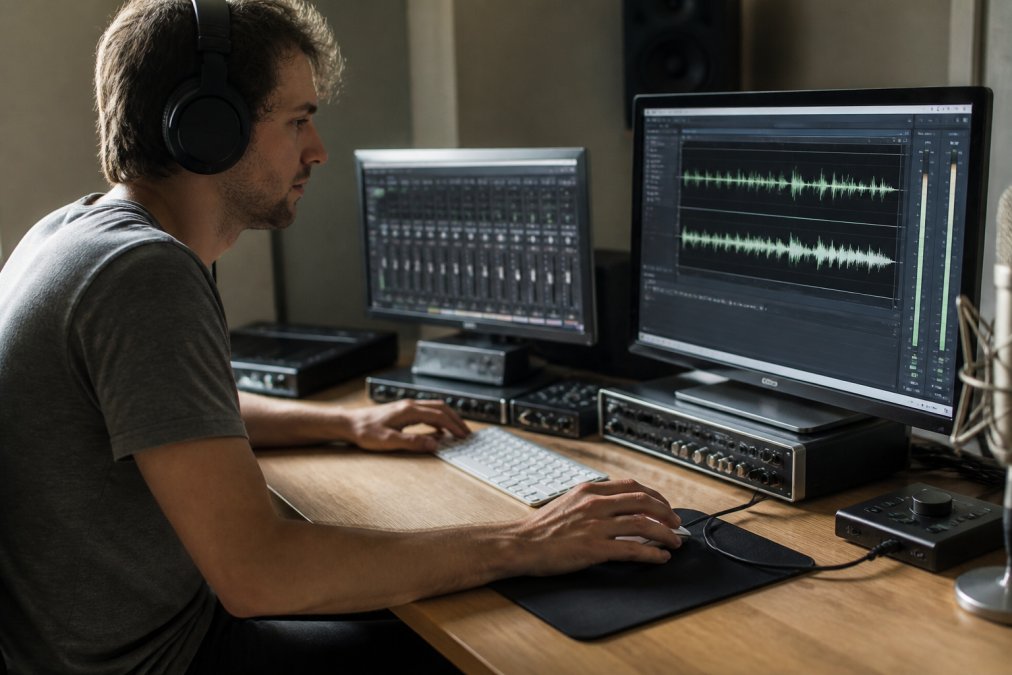
Best Accuracy for Fast Local Rendering: 2026 Guide
Discover what best ensures accuracy for fast local rendering, from tile-based rendering to GPU optimization. Learn proven techniques to balance speed.
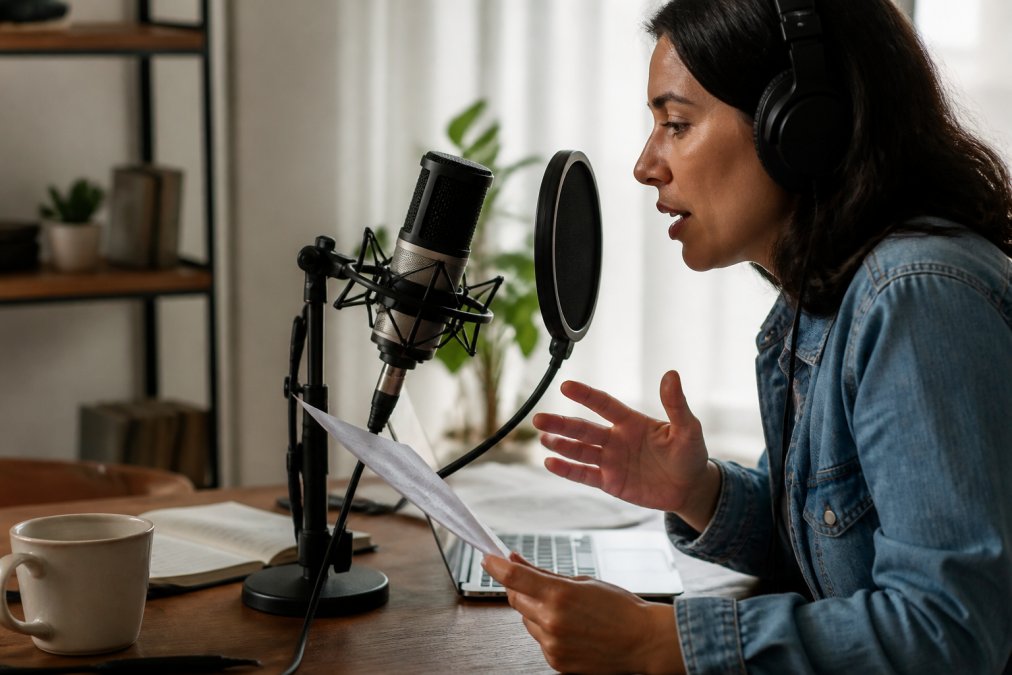
How to Make Voiceovers Sound Professional: 2026 Guide
Learn how to make voiceovers sound professional with recording tips, room echo fixes, and audio post-processing for speech. Get broadcast-ready sound.
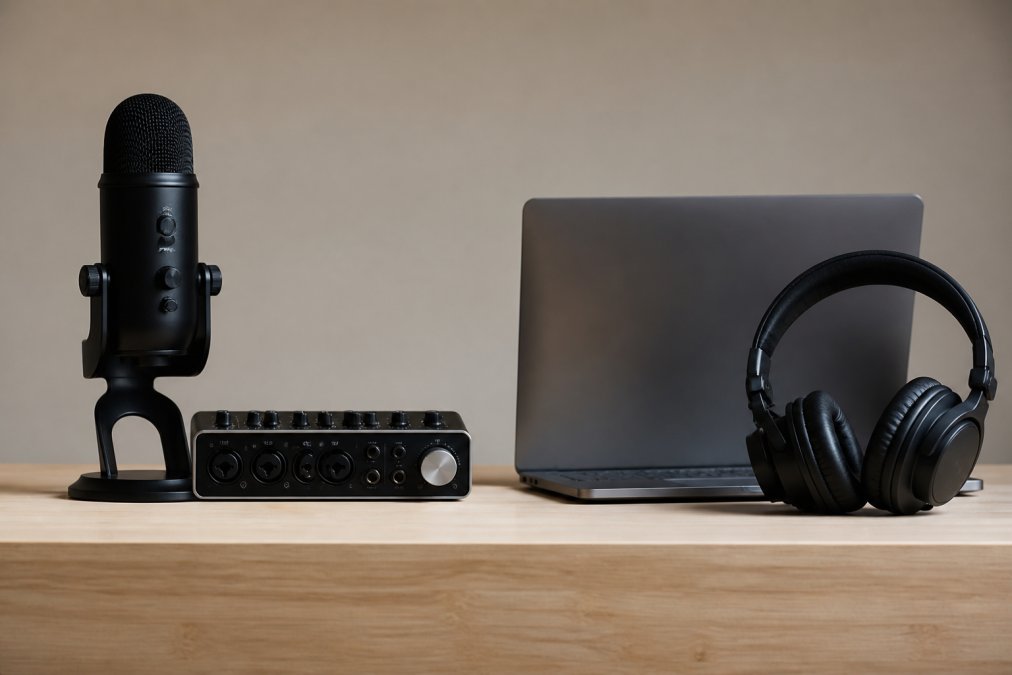
Local vs Cloud Audio Processing 2026: Which Is Better?
Local vs cloud audio processing 2026: compare latency, privacy, cost, and hardware to find the right workflow for your spoken-word content. Explore now.
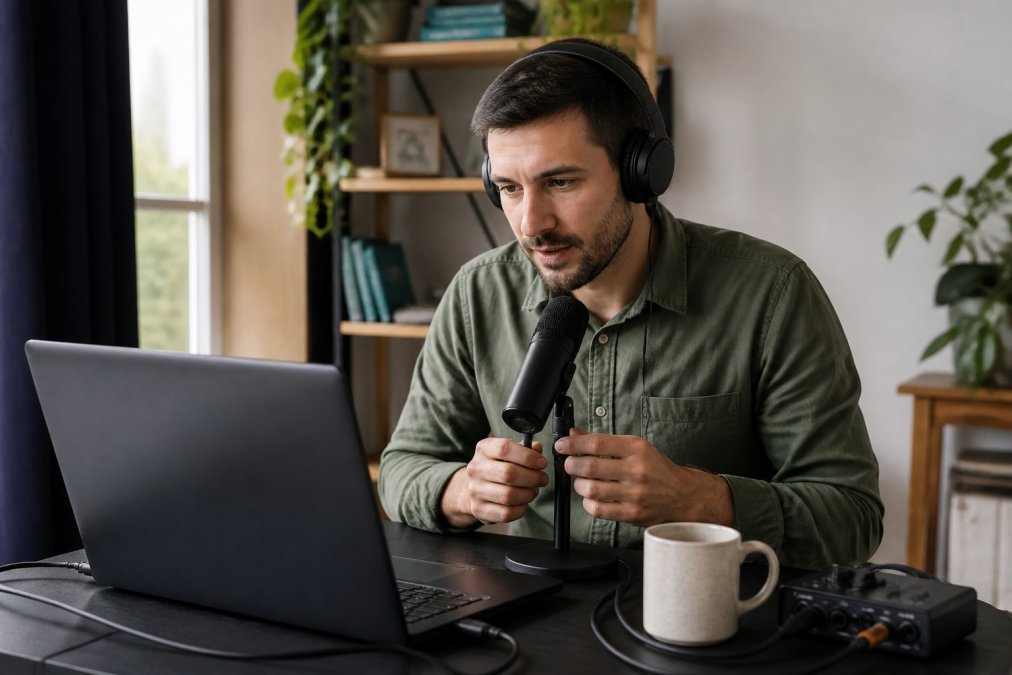
Remove Background Noise from Voice Recordings Online
Learn how to remove background noise from voice recordings online with our step-by-step guide. Get clean audio fast, no software needed. Start today.